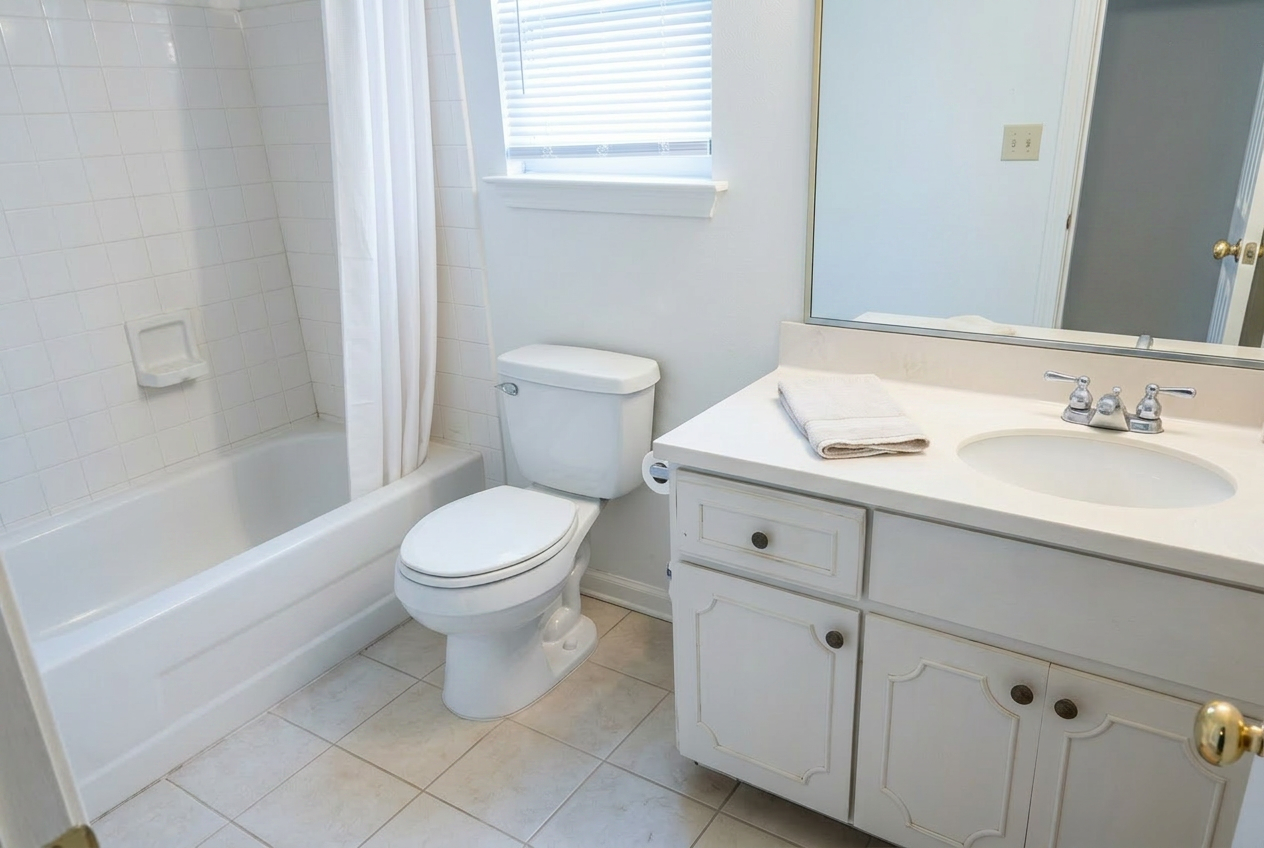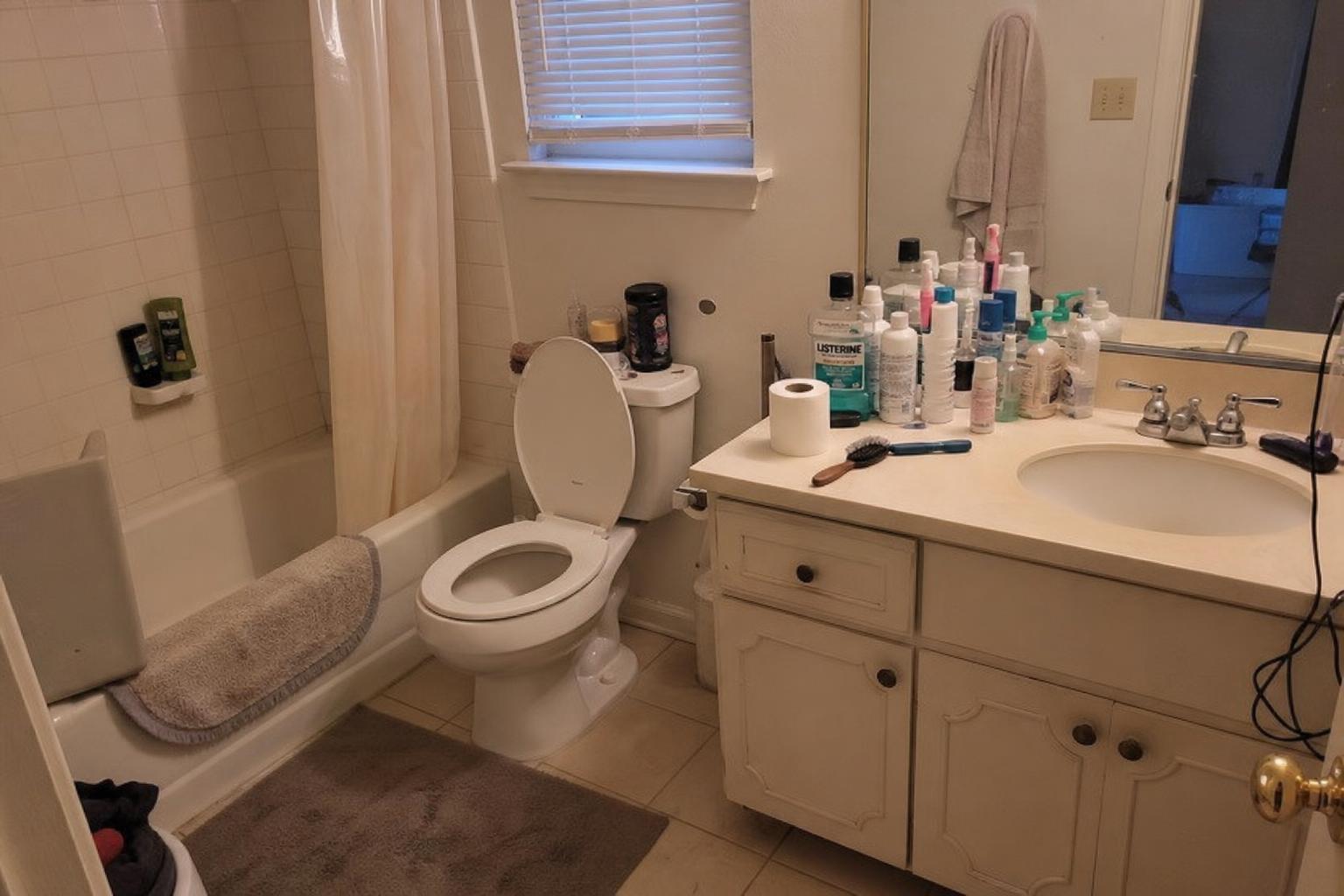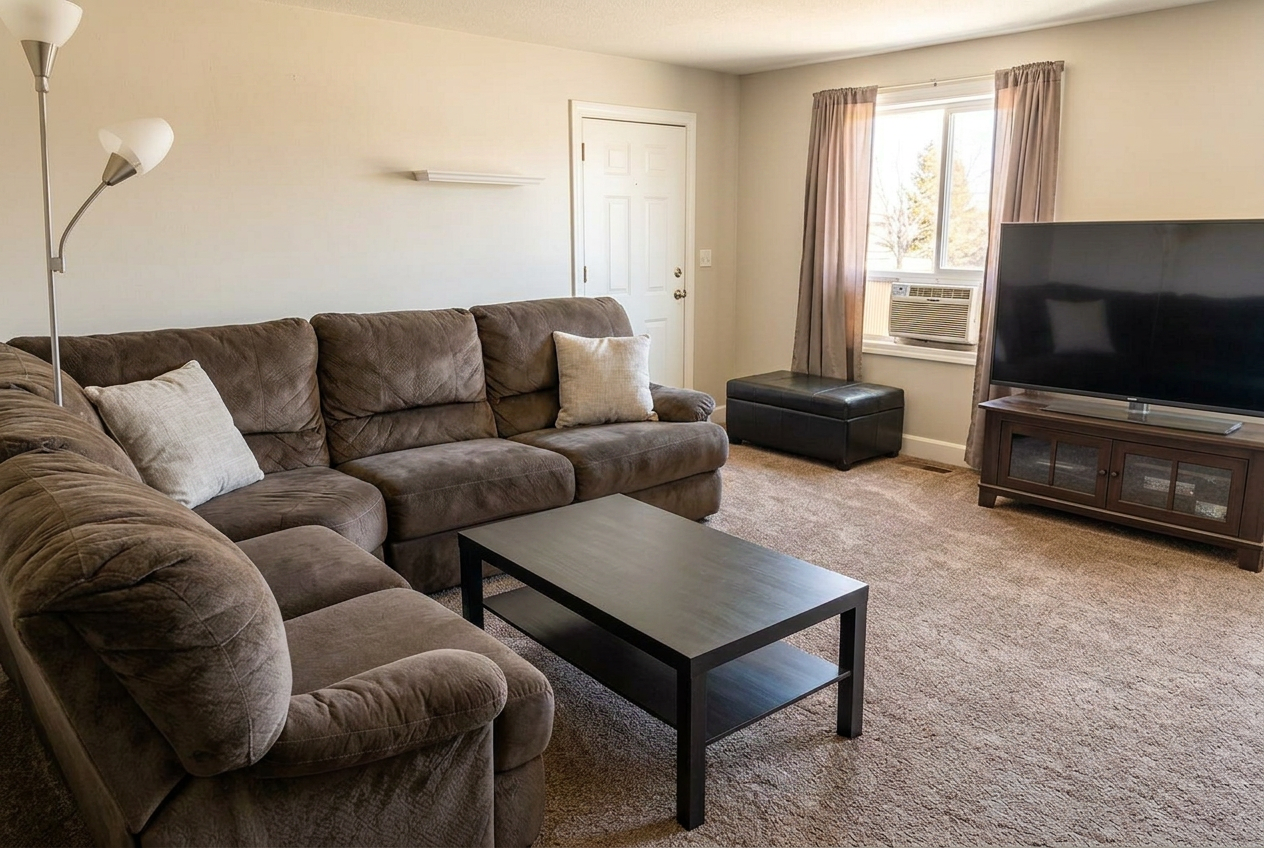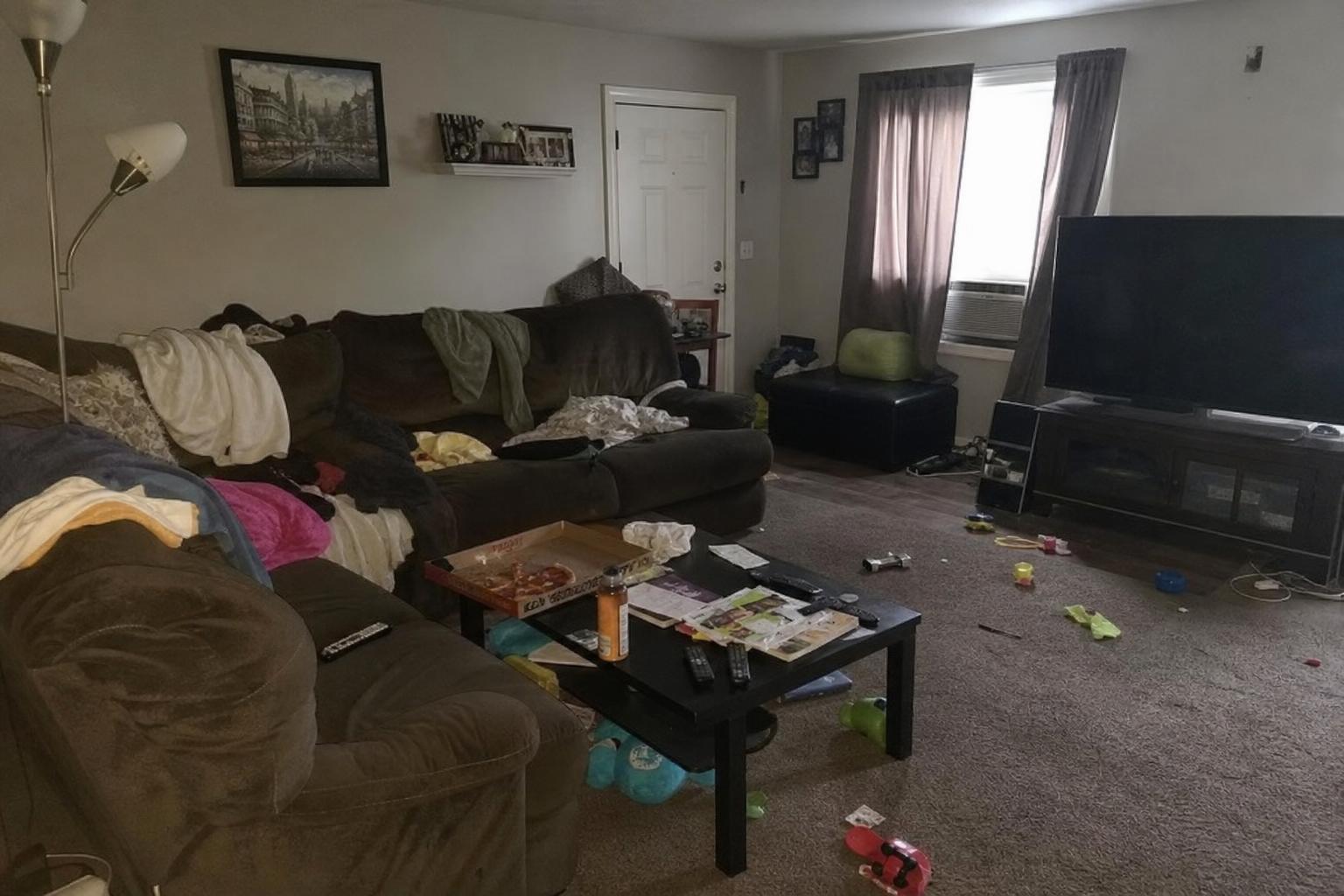
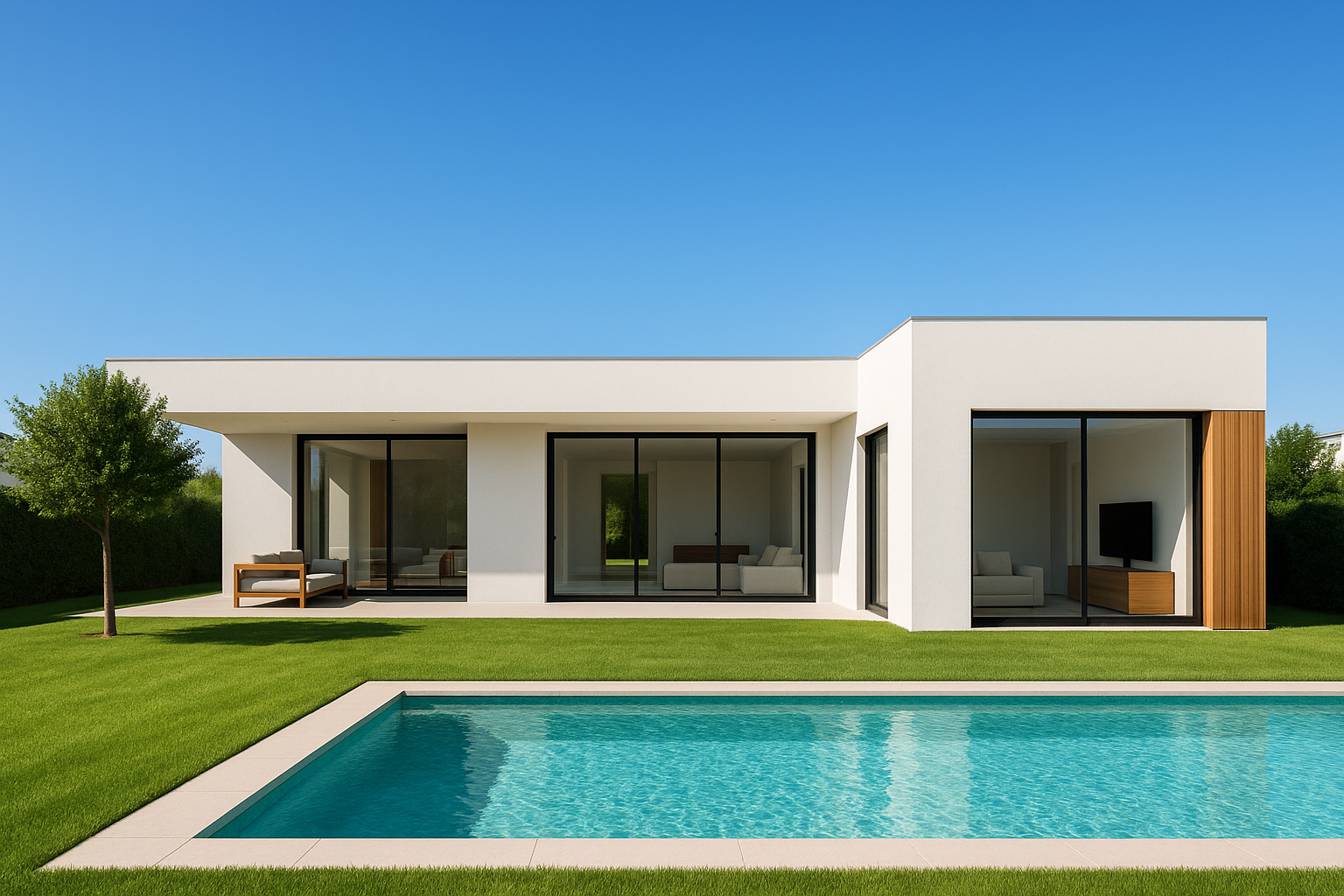
In the competitive world of real estate, first impressions often occur online, and images play a critical role in capturing potential buyers' attention. High Dynamic Range (HDR) photography has emerged as a powerful technique to create stunning, true-to-life images that elevate property listings. Whether you're a seasoned photographer or a real estate professional seeking to maximize property appeal, understanding and utilizing HDR photography can significantly enhance your marketing efforts.
What is HDR Photography?
HDR photography involves taking multiple pictures of the same scene at different exposure levels and blending them to capture a high range of tones and details. This process results in images that are rich in detail and vibrant in color, closely mimicking what the human eye perceives in real life. For real estate, HDR can help showcase interiors with varying light conditions and exteriors bathed in sunlight without loss of detail.
Benefits of HDR in Real Estate Photography
- Balanced Exposure: HDR helps manage high-contrast scenes, ensuring that both shadowy corners and bright window scenes are visible.
- Enhanced Color Details: By capturing a range of exposures, HDR ensures colors are vivid and true to the original setting.
- Increased Depth and Realism: Properties appear more welcoming and realistic, which can attract potential buyers online.
Techniques to Master HDR Photography for Real Estate
Equipment Needs
- Camera: Use a DSLR or mirrorless camera that allows for automatic exposure bracketing (AEB).
- Tripod: A sturdy tripod is essential for maintaining consistent framing across exposures.
- HDR Software: Use photo editing software like Lightroom or specialized HDR software to blend exposures effectively.
Steps to Create an HDR Image
- Take Multiple Exposures: Use AEB to capture a series of shots at different exposure levels—underexposed, correctly exposed, and overexposed.
- Use HDR Software: Merge these images in HDR software to create a single image that highlights the best aspects of each exposure.
- Enhance with AI Tools: AI photo enhancement tools can further refine HDR images by correcting white balance, enhancing sharpness, and more. RealEstatePhotoEditor.com offers a free trial to experience these enhancements first-hand.
Common Mistakes in HDR Photography
- Over-Processing Images: Avoid creating artificially vibrant images that look unnatural. Aim for subtle enhancements.
- Improper Exposure Selection: Ensure your exposure settings capture both highlights and shadows effectively.
- Ignoring Room Clutter: Declutter spaces before shooting. Pay attention to small items that can detract from the overall image.
Incorporating AI in HDR Real Estate Photography
AI tools complement HDR techniques by automating processes and ensuring consistent, professional results. Using AI, you can streamline workflows, quickly eliminate minor defects, and elevate your photos to professional standards without extensive manual editing.
AI Photo Enhancement Features
- Automatic White Balance Correction: Removes unwanted color casts from incandescent or fluorescent lighting.
- Sky Replacement: Replaces overcast skies with vibrant, cloudless blue ones, perfect for exterior shots.
- Noise Reduction and Sharpening: Enhances clarity in images, particularly useful for interiors.
Conclusion: Transform Your Real Estate Listings
HDR real estate photography offers a versatile and impactful way to create stunning property images that attract potential buyers. By mastering this technique and utilizing AI enhancements, you can ensure your listings stand out in the competitive market. Take advantage of the free trial from RealEstatePhotoEditor.com to experience how AI can enhance your HDR photos today.
Frequently Asked Questions
-
What is the best type of property for HDR photography?
- HDR photography works well for all property types, but is especially beneficial for homes with high-contrast spaces, such as those with bright windows or intricate interiors.
-
Can HDR make my property look unrealistic?
- When done correctly, HDR enhances the realism of your images. Avoid over-processing to maintain a natural appearance.
-
How does AI technology improve HDR photos?
- AI technology streamlines editing, offering automatic enhancements that correct mistakes like color casts and improve image clarity.
-
Is professional equipment necessary for HDR photography?
- While professional equipment can enhance results, even entry-level DSLRs or mirrorless cameras can produce excellent HDR photos with the right technique.
-
How does photo enhancement differ from virtual staging?
- Photo enhancement improves existing images' quality, while virtual staging involves adding or changing furniture and decor in photos.
Before/After Image Examples
Example 1: Interior Living Room Brightening
- Description: This showcases a living room with shadows minimized and colors corrected using HDR techniques. The result is a more inviting and vibrant space.
- Meta Description: See how HDR can transform dim interior spaces into bright, inviting rooms.
- Features:
- Brightened interior
- White balance correction
- Enhanced color details
- Before Prompt: A dimly lit living room with visible shadows and a warm orange cast, furniture details lost in darkness.
- After Prompt: The same living room, now brightly lit with neutral white balance, vivid colors, and all furniture details clearly visible.
Example 2: Exterior Facade with Blue Sky
- Description: The transformation shows an exterior facade under a dull, gray sky replaced with a bright, vibrant blue sky, making the property more appealing.
- Meta Description: Transform an unappealing real estate facade with HDR to showcase it under clear skies.
- Features:
- Sky replacement to blue
- Clarified architectural details
- Green lush lawns
- Before Prompt: A house exterior under a gray, cloudy sky with dull lawns and obscured architectural details.
- After Prompt: The same house under a vivid blue sky with bright green lawns and sharp, detailed architecture.
Example 3: Poolside Oasis Enhancement
- Description: A poolside area improved for a vibrant look with turquoise water and natural detailing, offering a glimpse of a backyard oasis.
- Meta Description: HDR brings out vibrant turquoise water and greenery, creating an inviting pool area.
- Features:
- Pool water color correction
- Blue sky addition
- Enhanced greenery
- Before Prompt: A pool area with dull water, cloudy skies, and muted greenery, lacking vibrancy and appeal.
- After Prompt: The same pool with vibrant turquoise water, a clear blue sky, and lush, green surroundings presenting an inviting outdoor space.