In today's fast-paced real estate market, speed and quality are crucial for making impactful impressions. As a real estate professional, effectively capturing and presenting properties through stunning photos can make all the difference in attracting potential buyers. This article will guide you through fast, efficient photo editing techniques alongside AI photo enhancement tools, ensuring your listings stand out.
Why Quick Photo Editing Matters
The real estate market is fiercely competitive, with buyers making decisions faster than ever. A small delay in getting your listing photos ready can mean lost opportunities. Quick photo editing allows you to keep up with market demands, make the best use of your time, and present high-quality images that market properties effectively.
Essential Tools for Fast Photo Editing
To edit real estate photos quickly, you need the right tools. Here are some must-haves:
- Powerful Photo Editing Software: Programs like Adobe Lightroom and Photoshop offer robust features tailored for real estate photography.
- AI Photo Enhancement Tools: Platforms like RealEstatePhotoEditor.com use AI to swiftly enhance photos, optimizing exposure, correcting colors, and replacing skies.
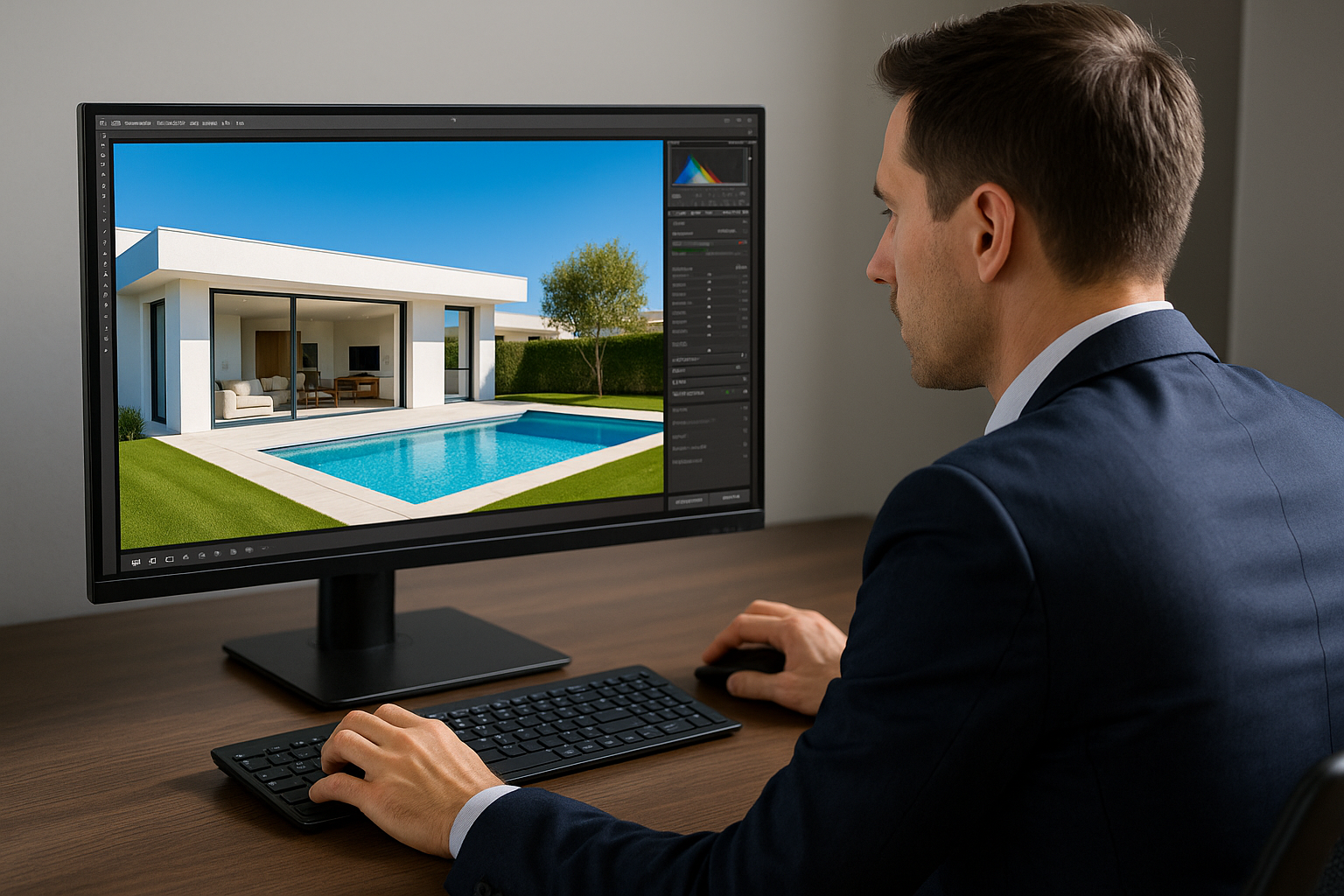
- Quality Computer Setup: A fast processor, ample RAM, and a high-resolution monitor can significantly accelerate your editing workflow.
Basic Steps to Edit Real Estate Photos Quickly
To streamline your editing process, follow these basic steps:
- Upload and Sort Photos: Organize your images by scene or room to speed up batch edits later.
- Adjust Exposure and Contrast: Quickly brighten dark images and enhance contrast to make images pop.
- Correct White Balance: Neutralize any unwanted color casts, often seen in artificial lighting or cloudy weather.
- Replace Skies: Use AI tools to swap out dull, gray skies for vibrant blue ones.
- Enhance Sharpness: Make sure details are crisp and clear, but avoid over-sharpening.
- Clean Up Images: Swiftly tidy small clutter such as cables or paper.
Leveraging AI for Speed and Precision
AI technology is a game-changer for real estate photo editing with its ability to automate tedious tasks without sacrificing quality. RealEstatePhotoEditor.com's AI enhances images quickly, offering free trials to explore these capabilities. By automating repetitive tasks such as adjusting exposures or replacing skies, you can dedicate more time to strategic elements of marketing your listings.
Advanced Tips for Lightning-Fast Results
- Batch Processing: Edit multiple images simultaneously to save time.
- Presets and Templates: Apply predefined settings for common adjustments across different sets of photos.
- Regular Updates on Tools: Stay updated with the latest features in your editing software to continually improve efficiency.
Visual Proof: The Impact of Quick Edits
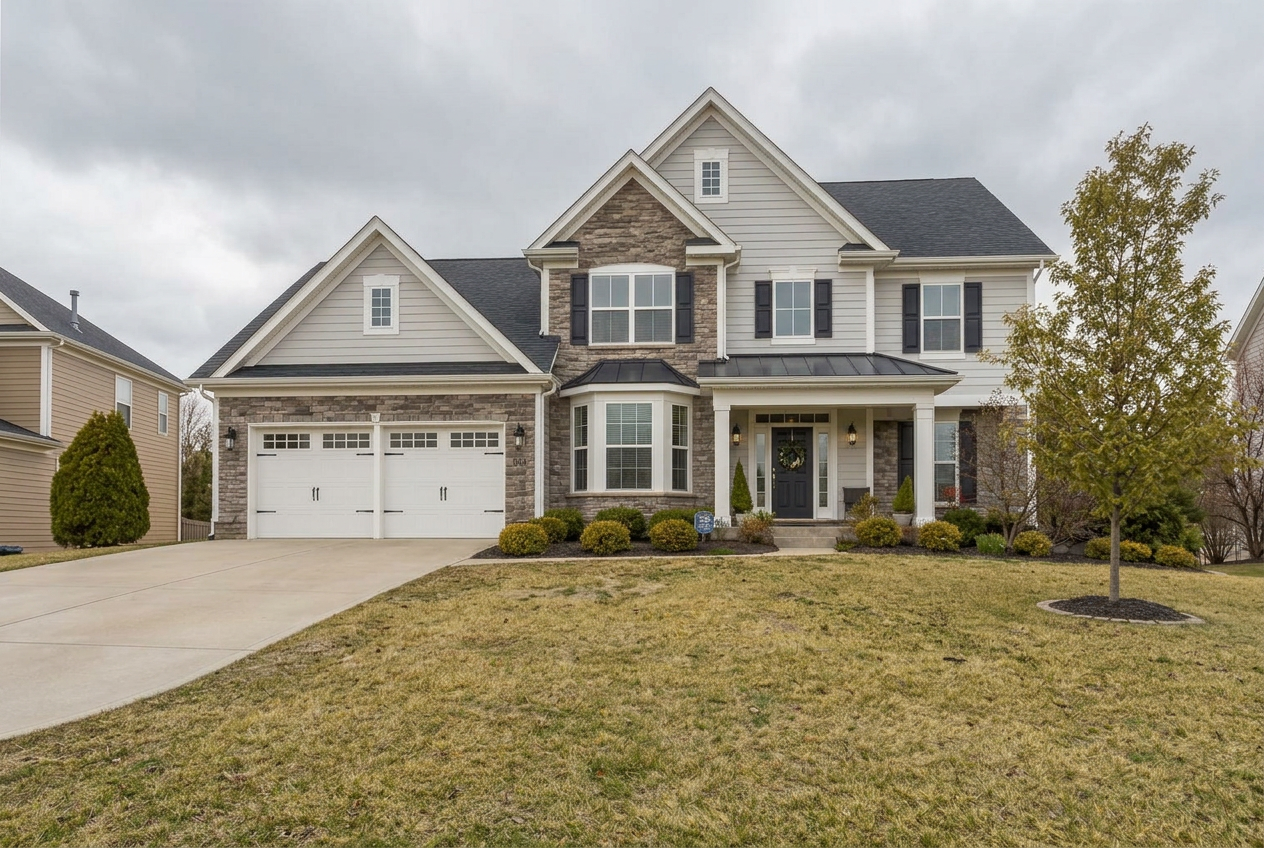
Example 1: Outdoor Facade
- Before: The photo depicts a home's facade on a cloudy day, with poor lighting flattening its appearance.
- After: Transformed with a bright, vivid facade enhanced by clear, blue skies.
Example 2: Kitchen Interior
- Before: The kitchen looks washed out with a yellow tint from artificial lighting.
- After: Enhanced with balanced colors, cleaner lines, and vibrant lighting.
Example 3: Pool Area
- Before: The image of a pool area looks dull with overcast skies and lackluster water color.
- After: A brightened, sharp image showing a turquoise pool under a clear blue sky adds appeal.
By following these strategies, you'll not only speed up your editing process but also enhance the quality of every real estate photo you manage. This not only heightens the visual appeal but also increases the chances of attracting potential buyers.
Conclusion
Optimizing your editing workflow using AI photo enhancement tools can transform your real estate marketing strategy by producing premium photos quickly and efficiently. If you're ready to enhance your real estate photos with ease, try RealEstatePhotoEditor.com today and experience the impressive difference AI technology can make.
FAQ
How can I edit real estate photos faster?
Using batch processing, editing presets, and employing AI photo enhancement tools can significantly reduce editing time.
What types of edits can AI tools perform?
AI tools can automate exposure adjustments, color corrections, sky replacements, and noise reduction, among other quick edits.
Is there a free trial for RealEstatePhotoEditor.com?
Yes, RealEstatePhotoEditor.com offers a free trial allowing users to experience the powerful AI capabilities firsthand.
Why is sky replacement important in real estate photography?
Sky replacement can dramatically enhance a photo's appeal by creating a vibrant, inviting backdrop that highlights the property.
Can these techniques be used on mobile devices?
While advanced editing is more efficient on desktops, certain apps offer useful features for quick edits on the go.
Do I need prior experience in photo editing to start?
Beginners can easily get started with intuitive AI tools that simplify the editing process, making complex tasks manageable.